How to Fix npm, yarn, and Package Lock File Errors
Whether you are staring at a blocking npm missing from lock file error, facing a Git config lock permission denial, or securing sensitive digital files locally, this guide covers the complete technical resolution path for file and data locks.

How to fix 'npm could not open lock file'?
This usually happens due to permission issues or a corrupted cache. To resolve it quickly, clear the npm cache, delete the existing lock file and modules, and reinstall:
npm cache clean --force
rm -rf node_modules package-lock.json
npm install
Why Is My Lock File Missing or Corrupted?
In modern development environments, a file lock is a mechanism that restricts access to a file by allowing only one user or process to alter it at a specific time. When working with Node.js, package-lock.json (or yarn.lock) guarantees that your team and your CI/CD pipelines install the exact same dependency tree.

Errors like npm error missing from lock file or blocking waiting for file lock on build directory occur when:
- Concurrency: Two processes (like an IDE background scanner and a manual terminal command) attempt to write to
node_modulessimultaneously. - Version Mismatches: You are mixing an
npm lock file versionv1 (npm v5-v6) with v2 or v3 (npm v7+). - Permissions: A process running as root created a file, leaving your standard user account with an
operation not permittedorpermission deniederror.
Below, we break down the explicit commands to resolve these issues across npm, Yarn, and Git.
How to Fix npm Lock File Errors — Complete Guide

1. Fixing "Npm missing: from lock file" or "Npm old lock file"
This warning frequently appears when upgrading Node versions or pulling a repository created with an older npm version. The most reliable fix is to force a regeneration of the lock file tree without altering your package.json.
# Step 1: Remove existing directories and locks safely
rm -rf node_modules
rm package-lock.json
# Step 2: Clear cache to prevent corrupted dependencies
npm cache clean --force
# Step 3: Reinstall to generate a fresh v3 lock file
npm install
2. Resolving "blocking waiting for file lock on package cache"
If npm or yarn hangs indefinitely waiting for a file lock, a previous process crashed without releasing its lock on the cache directory. You must manually clear the lock.
# Find the npm cache path
npm config get cache
# Navigate to it and remove the hidden lock file
cd $(npm config get cache)
rm -rf _locks
3. Git: "cannot lock ref git" & "could not lock config file"
Git uses lock files (e.g., .git/config.lock or .git/refs/heads/main.lock) to prevent concurrent operations from corrupting the repository. If a git pull or commit crashes, the lock file is left behind.
Error: could not lock config file .git/config: file exists or fatal: could not set 'core.filemode' to 'false'
# Remove the stuck configuration lock
rm .git/config.lock
# If failing on a specific branch reference (e.g., main)
rm .git/refs/heads/main.lock
# For Windows users facing "permission denied"
# Ensure your IDE (like VS Code) or GitHub Desktop is completely closed,
# as they often hold background file locks.
4. How to generate pnpm lock file or poetry lock file
If you are migrating away from npm, generating lock files in other package managers requires explicit commands to avoid utilizing cached data.
- pnpm: Run
pnpm install --lockfile-onlyto generatepnpm-lock.yamlwithout downloading packages. - Yarn: Run
yarn install --mode update-lockfileto fixyarn.lockmerge conflicts. - Poetry (Python): Run
poetry lock --no-updateto generatepoetry.lockresolving python file lock requirements.
Methods Comparison: npm install vs. npm ci

When dealing with lock files, knowing how to install is as critical as resolving the error. Here is how standard commands interact with your package-lock.json.
| Command | Behavior with Lock File | Speed | Best For |
|---|---|---|---|
npm install |
May update the lock file if package.json allows newer semantic versions. |
Moderate | Local development, adding new packages. |
npm ci (Clean Install) |
Strictly follows the lock file. Fails if lock file doesn't match package.json. Deletes node_modules first. |
Fast | CI/CD Pipelines, Production builds. |
npm update |
Updates packages to latest allowed versions and overwrites the lock file. | Moderate | Routine dependency maintenance. |
Data Privacy vs Data Security — Understanding the Difference
As a developer, you understand the necessity of a lock file to protect the integrity of a software build. However, what protects the actual sensitive files sitting on your local machine, or the personal data you process?

There is a critical distinction in the cybersecurity basics:
- Data Privacy is about authorized access—who has the legal right to view or use your data. This governs how data brokers collect and monetize personal data, and encompasses your GDPR and CCPA rights.
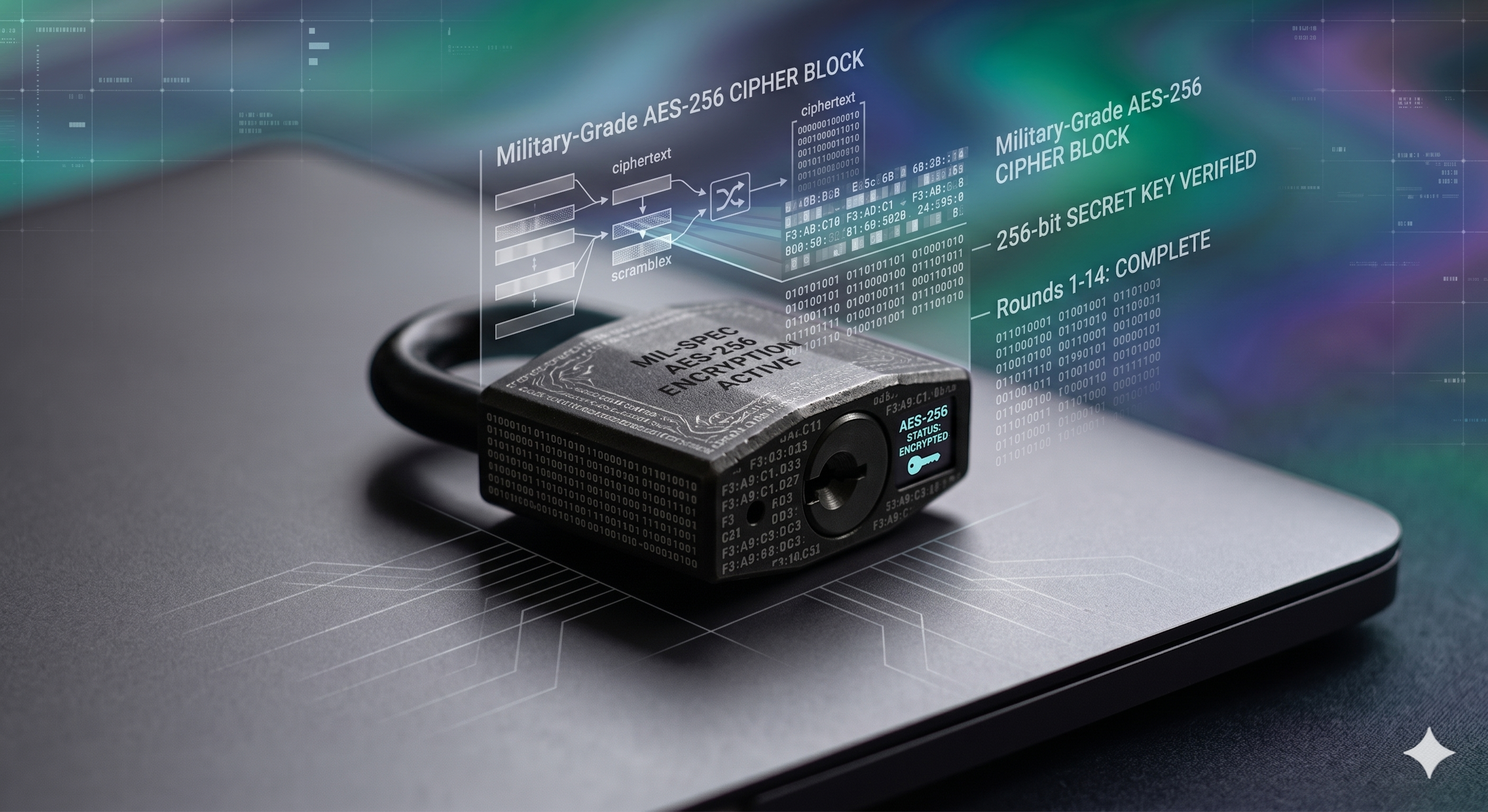
- Data Security is the technical mechanism used to enforce that privacy—using tools like a file lock box, 256-bit AES encryption, or digital lockers to prevent unauthorized extraction.
Personal Data Risk Score Calculator
Audit your current digital security guide practices.
Why We Recommend Folder Lock for Data Security

While npm and git handle code consistency, they do nothing to protect the proprietary source code, database dumps, and financial documents residing on your SSD. If your laptop is stolen, or a background process gets compromised, your data is exposed.
Of all the local encryption options we audited, we recommend Folder Lock for professionals who need military-grade file security without the complexity of managing command-line GPG keys.
Folder Lock bridges the gap between complex digital security and everyday usability, offering AES-256 bit encryption to lock files, folders, and drives instantly.
Kernel-Level & Cloud Encryption
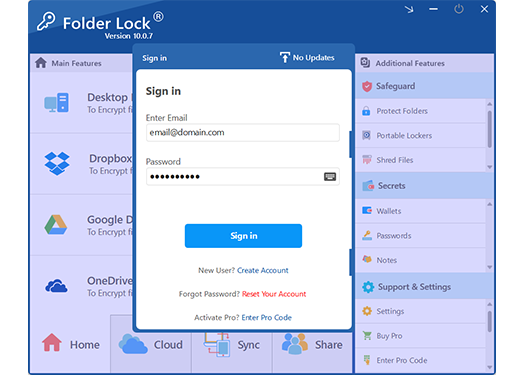
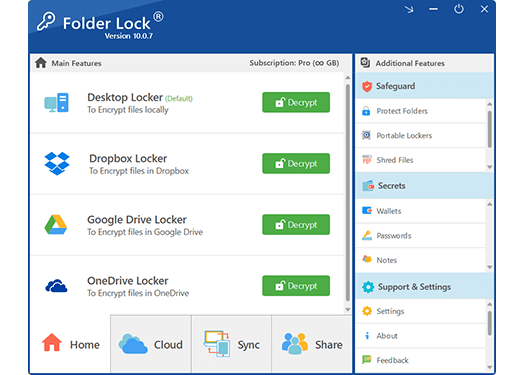
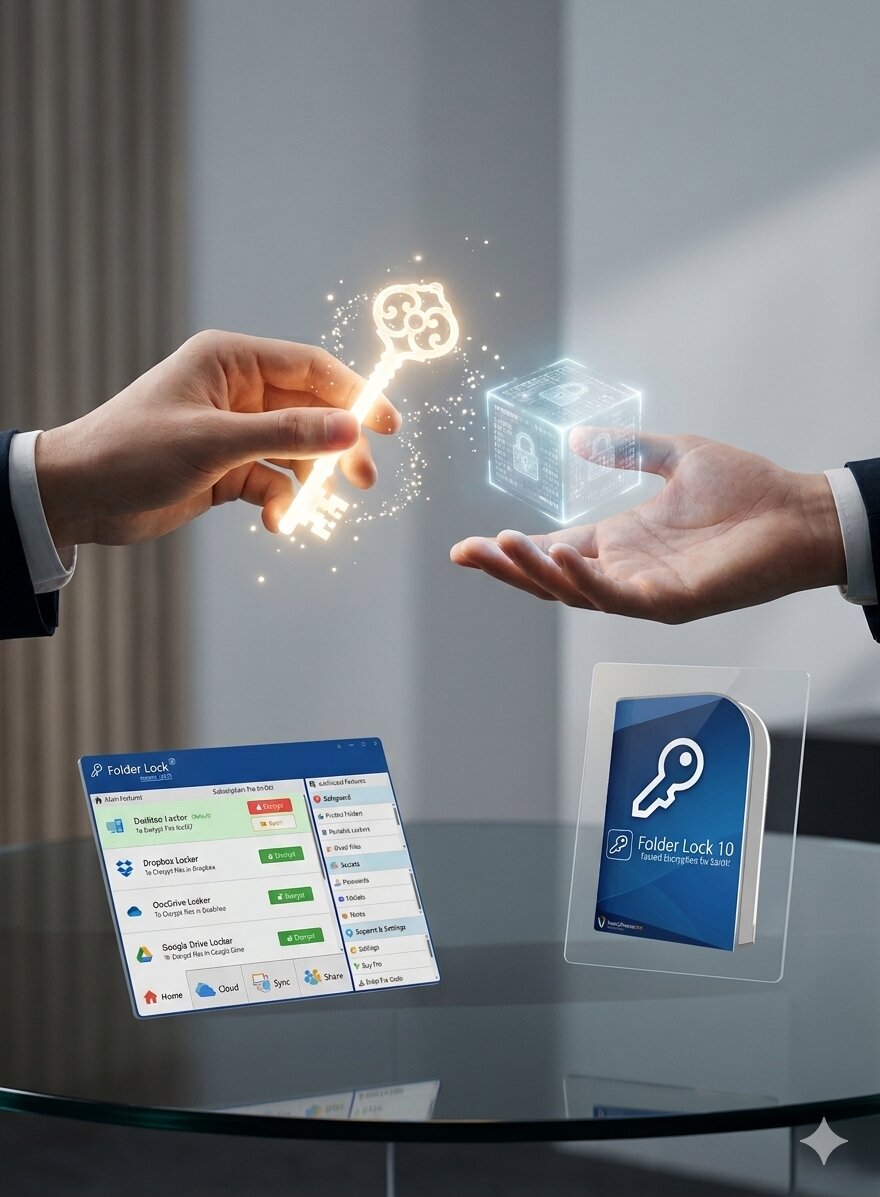
Folder Lock does not just encrypt local files; it builds dedicated, secure lockers directly inside your Dropbox, Google Drive, or OneDrive directories. Because encryption happens on your machine first, the cloud provider never sees your raw data. Locally, it utilizes a kernel-level driver, meaning your locked folders remain entirely invisible and inaccessible even if a bad actor boots your machine into Safe Mode.

USB Lockers & Secure Collaboration
If you need to physically transport data or send it over email, you can generate self-contained executable vaults (.flka files) that live on USB drives or external disks. Furthermore, it supports secure remote collaboration. Instead of risking your master password, you can share encrypted files with colleagues who authenticate using their own unique credentials, secured by asymmetric RSA architecture.

Cross-Platform Digital Wallets
Security shouldn't stop at your desktop. With companion apps for iOS and Android, you can sync your secure vaults seamlessly across multiple devices. The suite also features dedicated "Secrets" modules—encrypted digital wallets for credit cards, a secure password manager, and private digital notepads—alongside a secure mobile browser that automatically purges all session history and cookies.

Hack Monitoring & Data Shredding
Standard encryption is passive; Folder Lock is active. It features a Hack Attempt Monitor that logs unauthorized access attempts and can automatically log off or shut down your system if it detects a brute-force attack. When you need to dispose of sensitive files or clear out hidden Windows activity tracks, its built-in digital shredder utilizes U.S. Department of Defense (DoD 5220.22-M) and Gutmann standards to overwrite empty hard drive space, guaranteeing deleted data cannot be recovered.

Folder Lock vs. Built-in OS Protections

| Feature | Windows BitLocker | macOS FileVault | Folder Lock |
|---|---|---|---|
| Scope | Full Drive Only | Full Drive Only | Granular (Files, Folders, Drives) |
| Hide Files | No | No | Yes |
| Portable Lockers (USB) | Pro/Enterprise Only | Complex Setup | Native Support (.flka) |
| Secure Cloud Sync | No | No | Direct API Integration |
| Secure Cloud Sync | No | No | Integrated |
How to Lock Your Sensitive Project Files
Once you have resolved your npm missing lock file errors, it is time to secure the project directory itself.

- Install the Software: Download and install Folder Lock. Set a strong, memorable Master Password.
- Select the Lock Feature: Open the application and navigate to "Lock Files" in the left sidebar.
- Add Files or Folders: Drag and drop your sensitive project folders (or specific configuration files) directly into the interface.
- Secure Status: The files will instantly disappear from their original location in Windows Explorer. They are now locked and hidden.
- To Access: Simply open Folder Lock, enter your Master Password, select the item, and click "Unlock".
Folder Lock Pricing: What You Get

Free Version
Includes a 1 GB locker size limit and synchronization across 2 devices. Excellent for securing basic configuration files, testing the interface, and protecting lightweight local folders.
Pro Version ($39.95)
Unlocks unlimited locker capacity and synchronization across up to 5 devices (Windows, Mac, iOS, Android). Includes secure remote file sharing, portable USB lockers, and military-grade file shredding.
What Professionals Say
"As a DevOps engineer, I deal with lock files all day to secure my pipelines. But I realized my local machine was a massive liability. Folder Lock gave me the granular encryption I needed for my client certs and database dumps without the hassle of full-disk encryption overhead."— Senior Infrastructure Architect
Frequently Asked Questions
Package Manager & Dev Lock Errors
Data Privacy & Security
Secure Your Environment. Secure Your Files.
Don't let your data security end at `package-lock.json`. Protect your local sensitive files, client databases, and personal information with military-grade encryption.